 ClubLadder
Creating An Account
Creating an account is the first step to getting started with the app.
You need three things to create an account: a username, an email address, and a password.
Step 1: Go to the Sign-Up Page
Go to the sign-up page to start the account creation process.
You will see a form with fields for your username, email address, and password, like shown below:
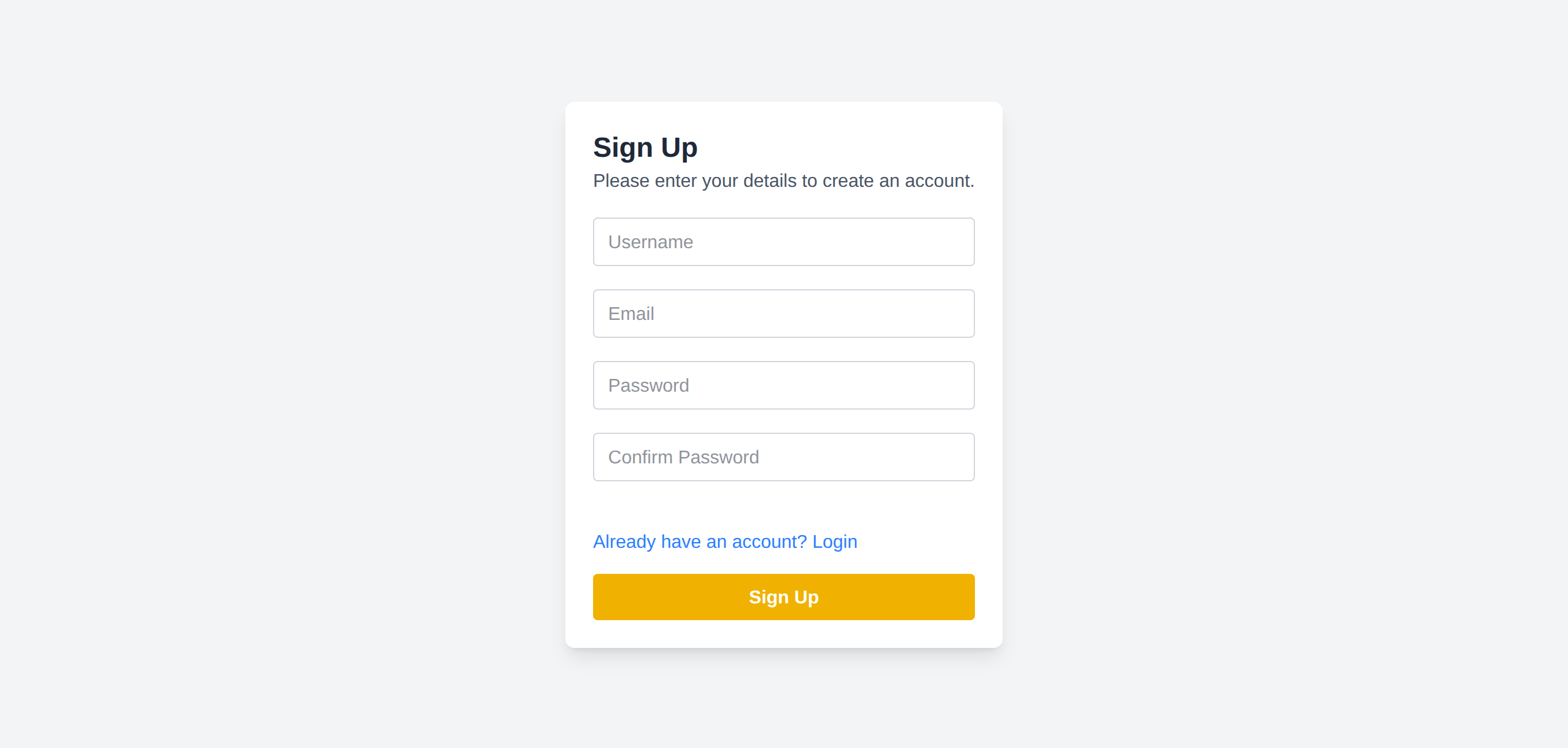
Fill in the form with your desired username, email address, and password. Make sure to choose a strong password to keep your account secure.
username: Cant have spaces, must be unique and be between 5 and 25 characters long.
email address: Must be a valid email address and unique.
password: Must be at least 8 characters long.
Step 2: Submit the Form
Once you have filled in the form, click the "Sign Up" button to submit your information. If every field is valid, the button should be green now. If not, the invalid fields will have a red border.
Step 3: The Dashboard
If everything is valid, you will be redirected to the dashboard, where you can start exploring the app and joining clubs! Welcome to ClubLadder!