 ClubLadder
Planning Matches
Now that you have joined a ladder and set your availability, it's time to plan some matches. This is done in the Schedule tab.
The Schedule Page
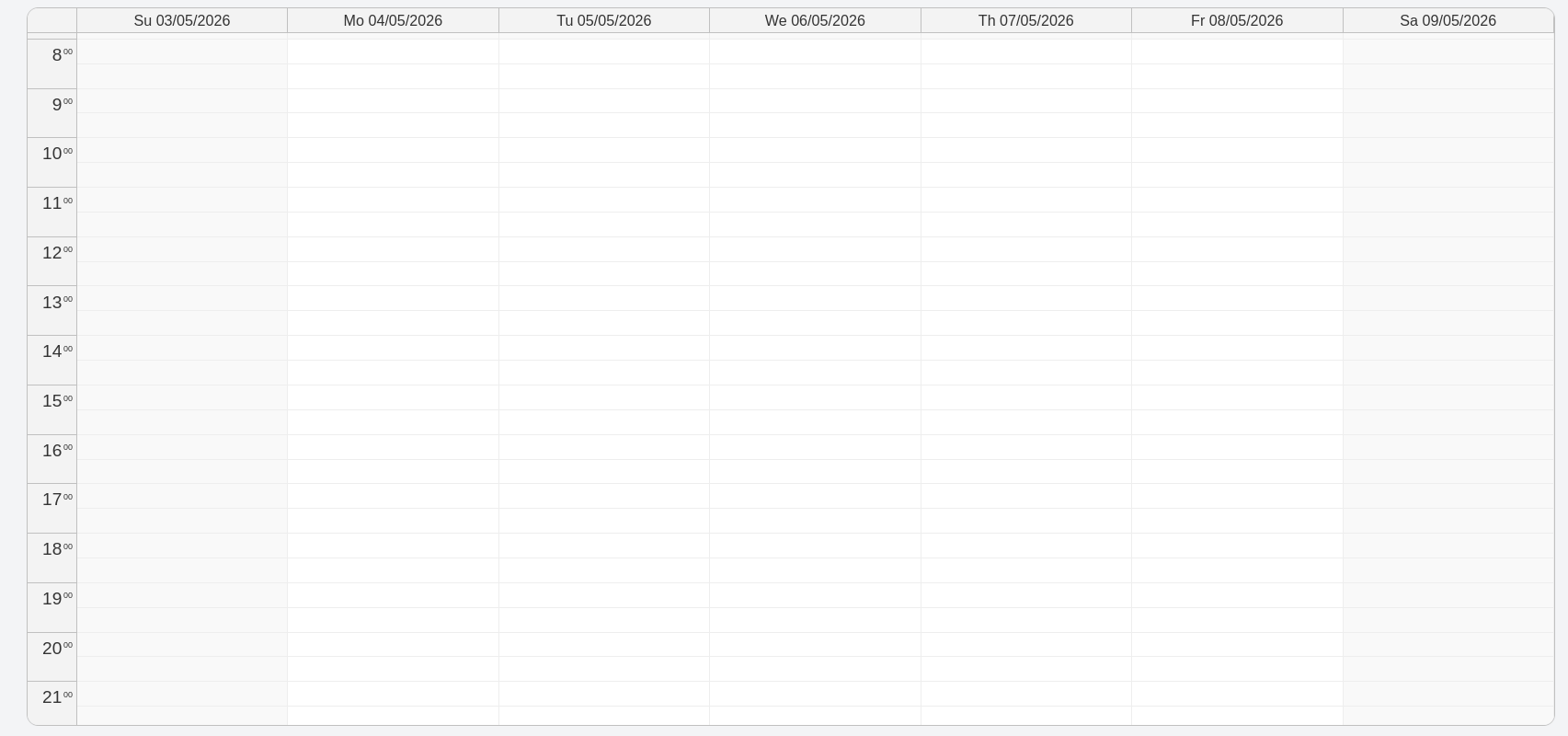
As the name suggest, the schedule page contains a calendar where your matches will show up. Your matches will be color-coded:
- Pending: gray
- Planned: blue
- Ongoing: orange
- Finished: green
- Cancelled: red
You can cancel a planned match by right-clicking it in the schedule and selection Cancel. You cannot cancel a finished match, or a match that hasn't been planned yet.
The Matchmaking Page
To actually plan matches, press the Plan matches button. You will have to select the club and ladder for which you want to plan matches. The system will generate possible matchups for you, based on your skill level and availability. The Match Cooldown setting of a ladder will also play a role in matchmaking. This setting will determine the amount of matches you must play against other opponent before you can challenge the same opponent again.
Once you have selected a match, your opponent (and also your team member, if you are playing 2v2) will receive a notification that you want to play against them. They can choose to accept or decline your proposal. You will be notified of their decision, and if the match is accepted, it will be planned in your schedule.